How to Fix EPG on IPTV: A Simple Guide for IPTV Smarters Pro Last Update
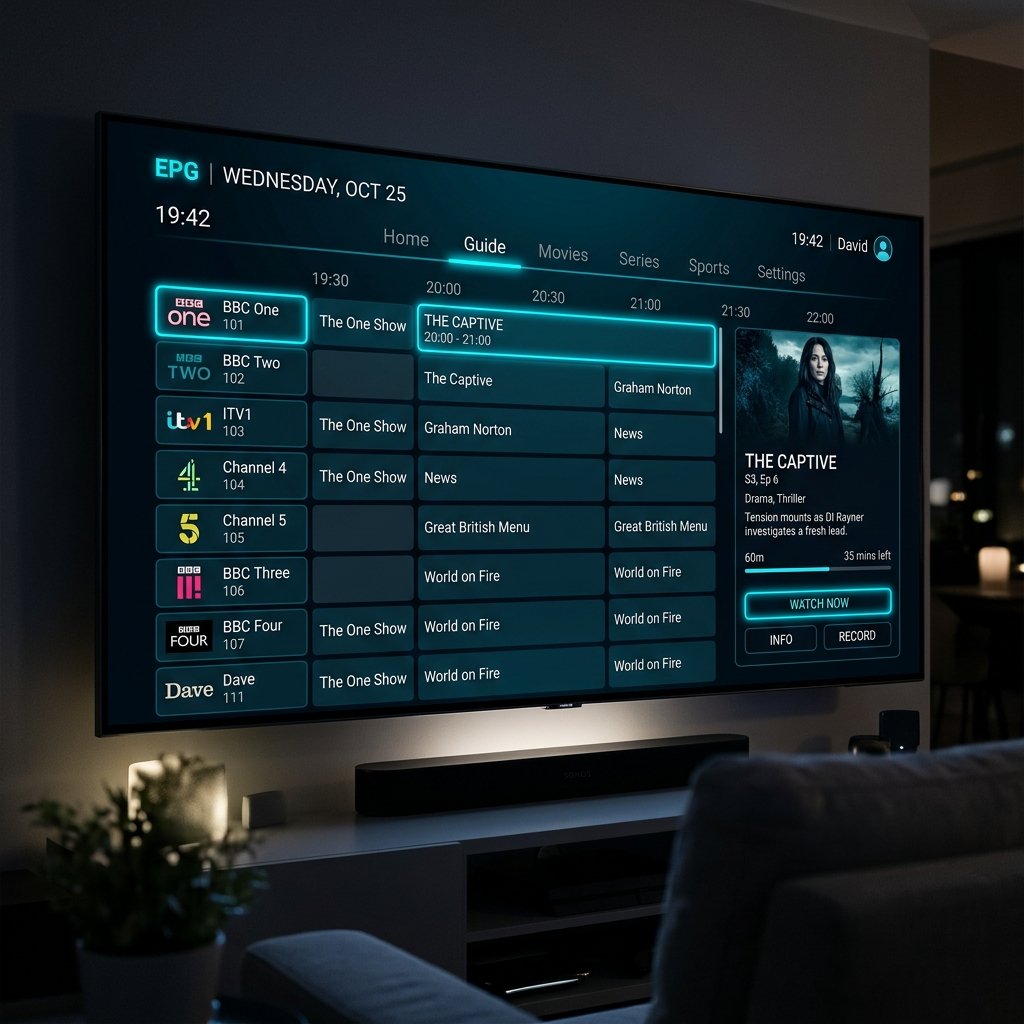
The Electronic Program Guide (EPG) is what turns a raw list of stream links into a premium, interactive television experience. It provides channel schedules, program descriptions, and show timings. When your EPG displays "No Information" or fails to load entirely on IPTV Smarters Pro, it ruins your ability to navigate channels. In this guide, we will details how to restore your EPG schedules.
1. What is an EPG and Why Does It Fail?
EPG data is delivered via an XMLTV file format, which is hosted on your provider's servers. When you open your IPTV application, it downloads this file and maps the schedules to your channels. If the file is too large, your device runs out of memory, or the database gets corrupted, the guide fails to render. If you are experiencing this on Samsung TV, you may want to try HOT IPTV for Samsung Smart TV, which features a lightweight EPG engine.
2. Method 1: Clear App Cache and Reload EPG
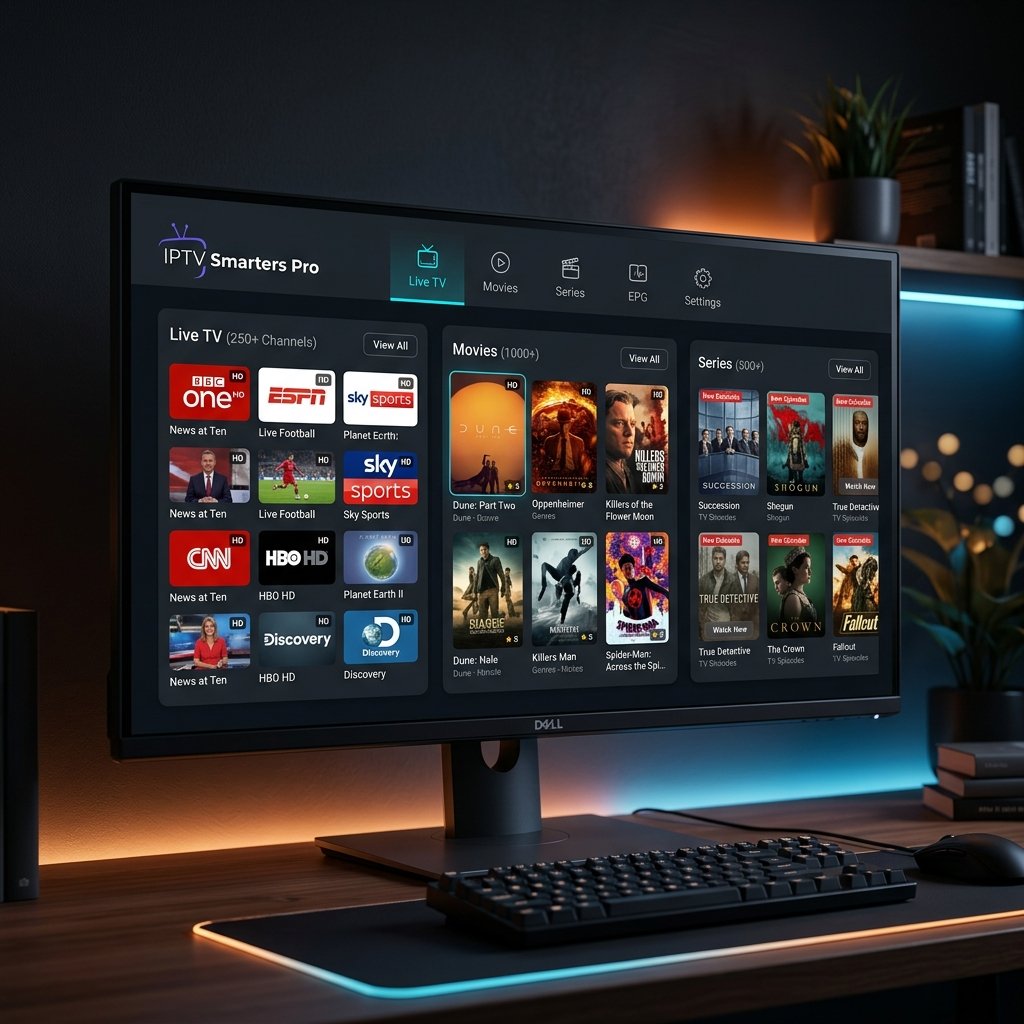
Over time, local database logs get cluttered, preventing new guide data from downloading. Follow these steps on IPTV Smarters Pro:
- Go to the App settings, click on Clear Cache and Clear Data.
- Re-enter your Xtream Codes credentials if prompted.
- Go to Install EPG, select your source, and click "Refresh EPG".
3. Method 2: Check Your XMLTV EPG URL Format
If you are using a raw M3U playlist link, your player needs a separate XMLTV link to load guide data. Ensure your URL ends with .xml or .xml.gz. If there is a typo in the URL, the player will fail to connect. If you need a comprehensive review of iOS setups, refer to our GSE Smart IPTV for iOS review.
4. Method 3: Adjust Timezone and Sync Settings
If your guide shows schedules but the timings are off (e.g., showing a 9 PM show at 11 PM), it is a timezone mismatch. Go to IPTV Smarters settings, select EPG Time Shift, and adjust the offset by +1 or -1 hours to match your local UK timezone.
5. Recommended Players for Seamless EPG
If IPTV Smarters continues to fail, you may want to transition to a more robust player. Tivimate (on Android/Firestick) features a superior database manager that syncs EPG automatically. For troubleshooting buffering alongside EPG, check out our guide on how to fix IPTV buffering issues to configure a stable setup.
Alex Miller
IPTV expert with +10 years of experience in streaming technology. He specializes in IPTV setups, troubleshooting, and sharing tips for seamless streaming.